
High-Resolution Aerial Imagery for Government
EagleView Cloud
See with Clarity. Decide with Confidence.

Make Confident Decisions With Aerial Imagery
EagleView Cloud is our new aerial imagery and software service.
Featuring clear imagery, precise measurements and easy-to-use analysis tools, EagleView Cloud helps county and local governments work efficiently and make critical decisions.
Multiple imagery options are available. Choose our clear and detailed 1-inch oblique images, value-oriented 3-inch orthogonal images or another imagery type aligned with your needs.

See Critical Details with 1-inch Aerial Imagery
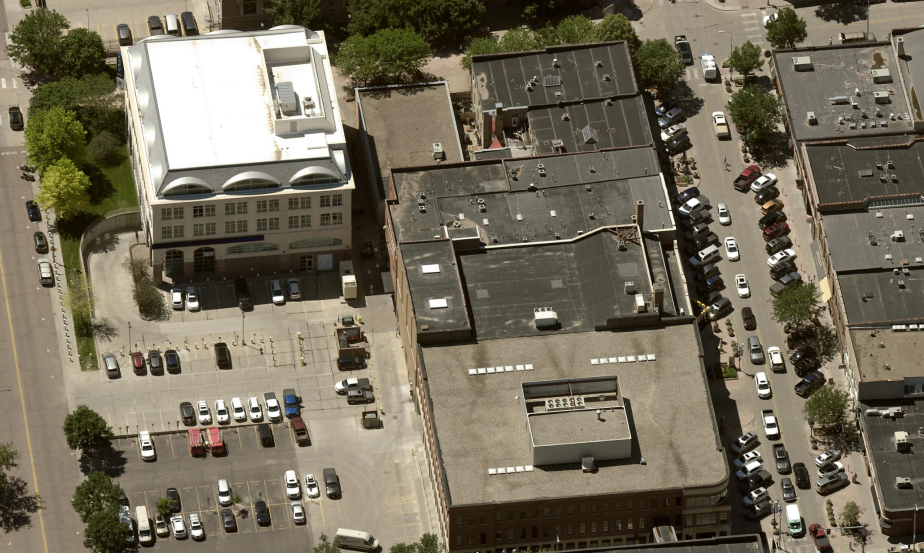
with each pixel representing one square inch of ground area.
Using 1-inch oblique imagery, property analysis is easier and faster.
- Residential Property Assessment: Determine quality grade and condition, identify building materials and see detached structures.
- Commercial Property Assessment: Analyze building features, roof design and the presence of machinery and equipment.
- Public Works: Analyze roads and infrastructure.
EagleView Cloud is the only way to secure our 1-inch oblique imagery, our clearest and most detailed imagery.
EagleView Cloud: What Is Included
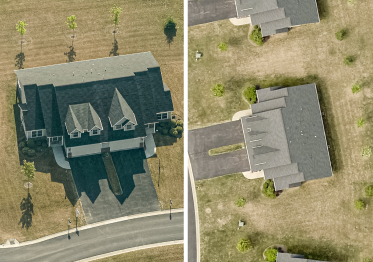
High-Resolution Imagery
View properties with clear, natural-looking imagery. Oblique (side angle) and orthogonal (top down) images are included.
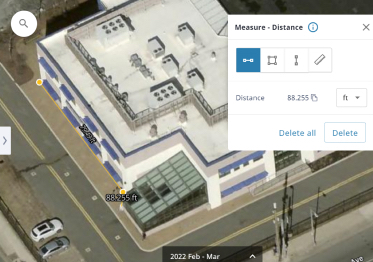
Viewing and Measurement Software
Measure distance, height and area on images with our user-friendly tools.
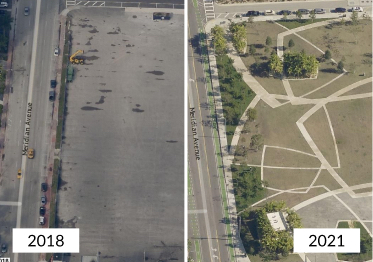
Image Archives
View historical orthomosaic and disaster response imagery.
Imagery Enhancement Options

Choose a Better GSD
Options range from 6-inch to 1-inch ground sample distance (GSD).

Receive Images More Often
Choose image delivery aligned with your needs: twice per year, once per year, or once every two or three years.

See More Historical Images
Access three additional years of historical oblique imagery, based on calendar years.

Join Our Disaster Response Program
After qualifying events, images are provided to assist with disaster response and recovery.
Benefits for Government Departments
GIS

Combine aerial imagery from multiple angles with GIS data.
Property Assessment

Conduct fast and accurate property assessments and analyze more properties in less time.
Public Safety

Improve police and fire department response times and prepare for emergencies and natural disasters.
Public Works

Inspect and analyze infrastructure and public assets.
Additional Analytics Tools
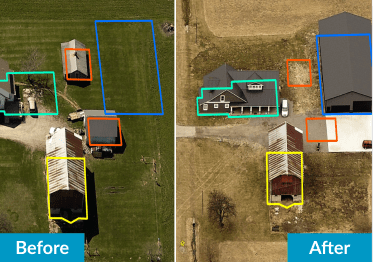
ChangeFinder
Automatically detect property changes from year-to-year, making property assessments easier and faster.
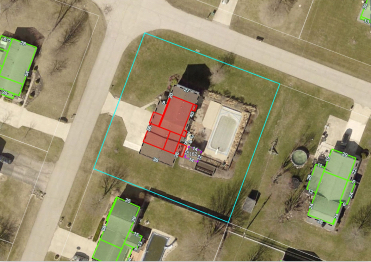
Sketch Inspect
Find inaccurate and missing property sketches using CAMA system records and aerial imagery.
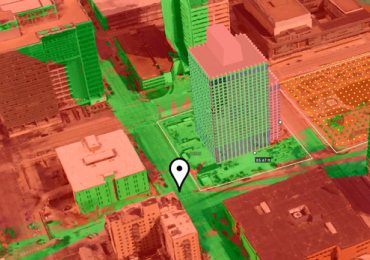
3D Mesh
Visualize a new building and analyze its impact on a neighborhood in a three-dimensional environment.
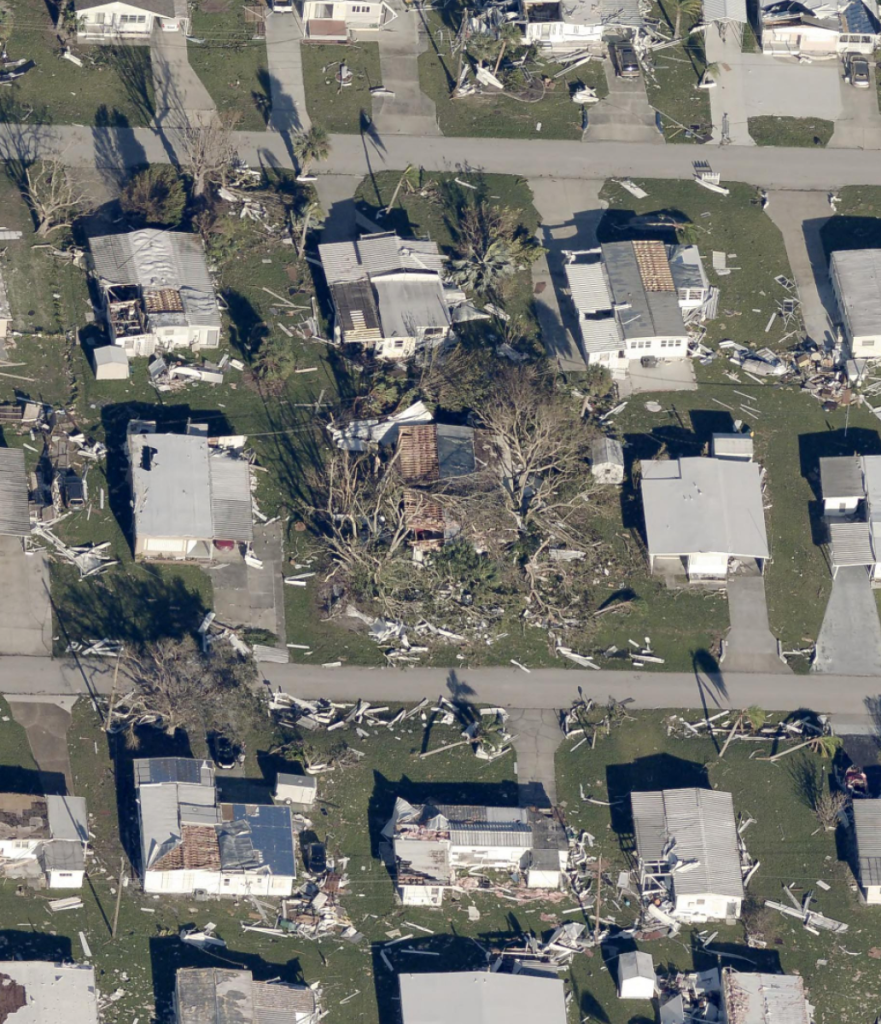
Aerial Imagery for Disaster Response and Recovery
When every second counts, images from the air provide valuable context to assist with decisions being made on the ground.
Aerial imagery is a critical tool for governments after severe weather events. Using aerial imagery, damage can be evaluated safely and first responders can plan search and rescue missions. Property assessors use imagery to reassess damaged properties and calculate lost tax revenue. Then, when it is time to recover and rebuild, aerial imagery makes the planning process easier.
